By Mark Buraga, Independent SEO Consultant at Growth Engine PH
Last updated: 3 November 2026
When we crawled our own site on 11 October 2026, we found 114 orphan pages. Not old pages someone forgot. New ones, made by our own website every time we tagged a blog post, and listed for Google in our own sitemap.
The site had 13 real pages and 45 blog posts at the time. The orphans outnumbered everything else combined. This post covers orphan pages in SEO the way we met them: how to find them, why they matter, and how to decide what to do with each one.
What are orphan pages in SEO?
An orphan page is a page on your site that no other page on your site links to. Visitors cannot click their way to it, and a search engine following your links will not find it.
Search engines discover most pages by following links, the same way a visitor does. A page with no links pointing to it can still be found another way: through your XML sitemap (the file that lists the pages you want search engines to know about), through a link from another website, or because it was linked once and the link was later removed. So an orphan page is not invisible. It is a page you are telling search engines exists while your own site behaves as if it does not.
That mixed signal is the problem. A link from your own pages says “this matters, and here is how it fits”. An orphan page has none of that context.
What our own crawl found: 114 orphan pages
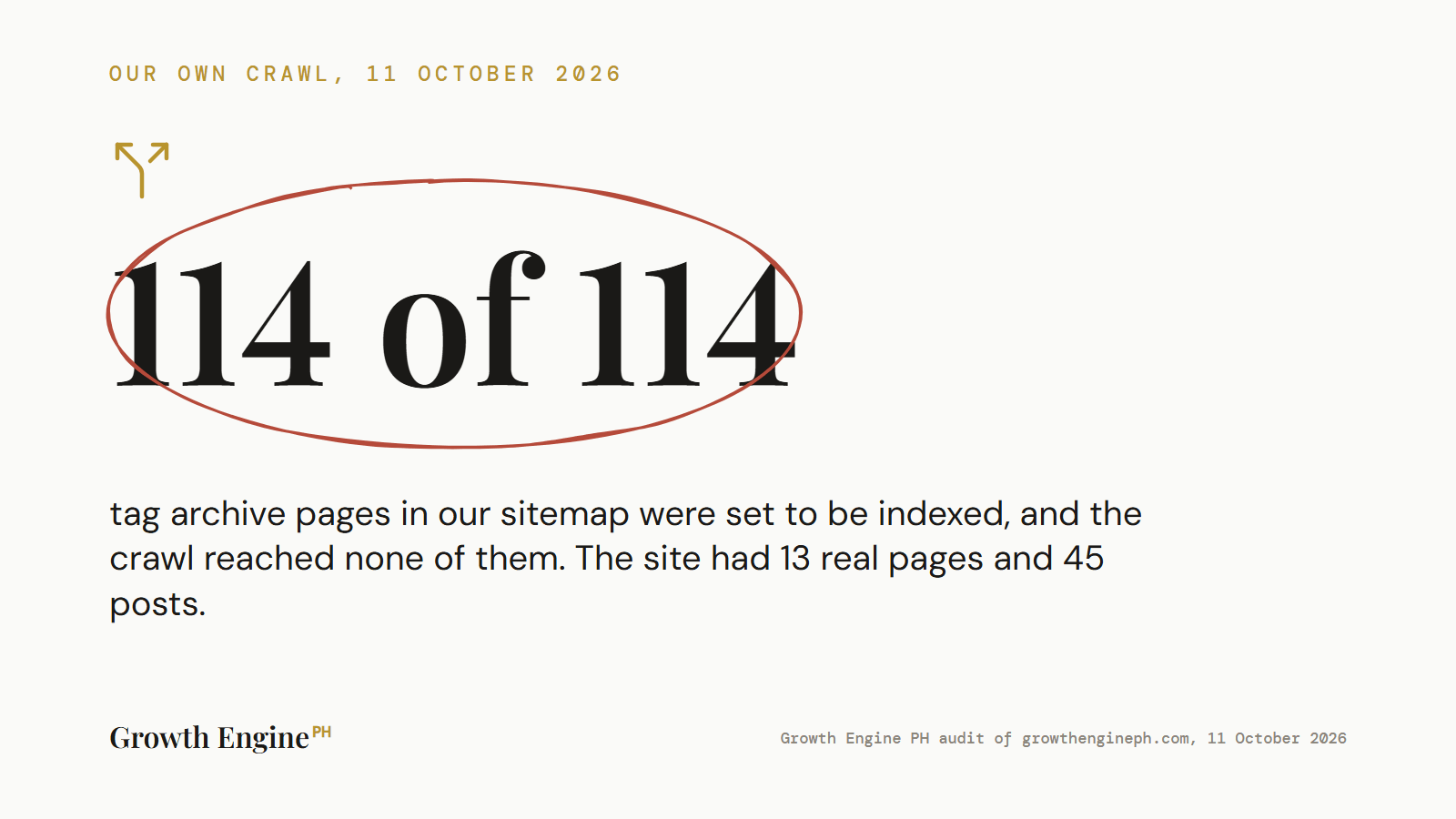
We compared two lists: the pages our sitemap told Google about, and the pages a crawl could reach by following links from the homepage. 114 pages were on the first list and missing from the second.
The crawl recorded 436 URLs. Our sitemap had a separate file just for tag archives, with 114 URLs in it. Every one of those tag pages was set to be indexed. The crawl, starting from the homepage and following every link, reached zero of them.
Here is how they came about. Our blog uses tags, and the website creates a page for every tag automatically, listing the posts that carry it. Our posts carry about eight tags each, so the tag pages multiplied quickly. Our SEO plugin then added each one to the sitemap, also automatically. Nothing on the site linked to them, because our design does not show tags on posts.
So nobody made a mistake you could point to. Three reasonable settings, together, produced 114 thin pages listing the same posts in different groupings, each submitted to Google as a page worth indexing.
How do you find orphan pages?
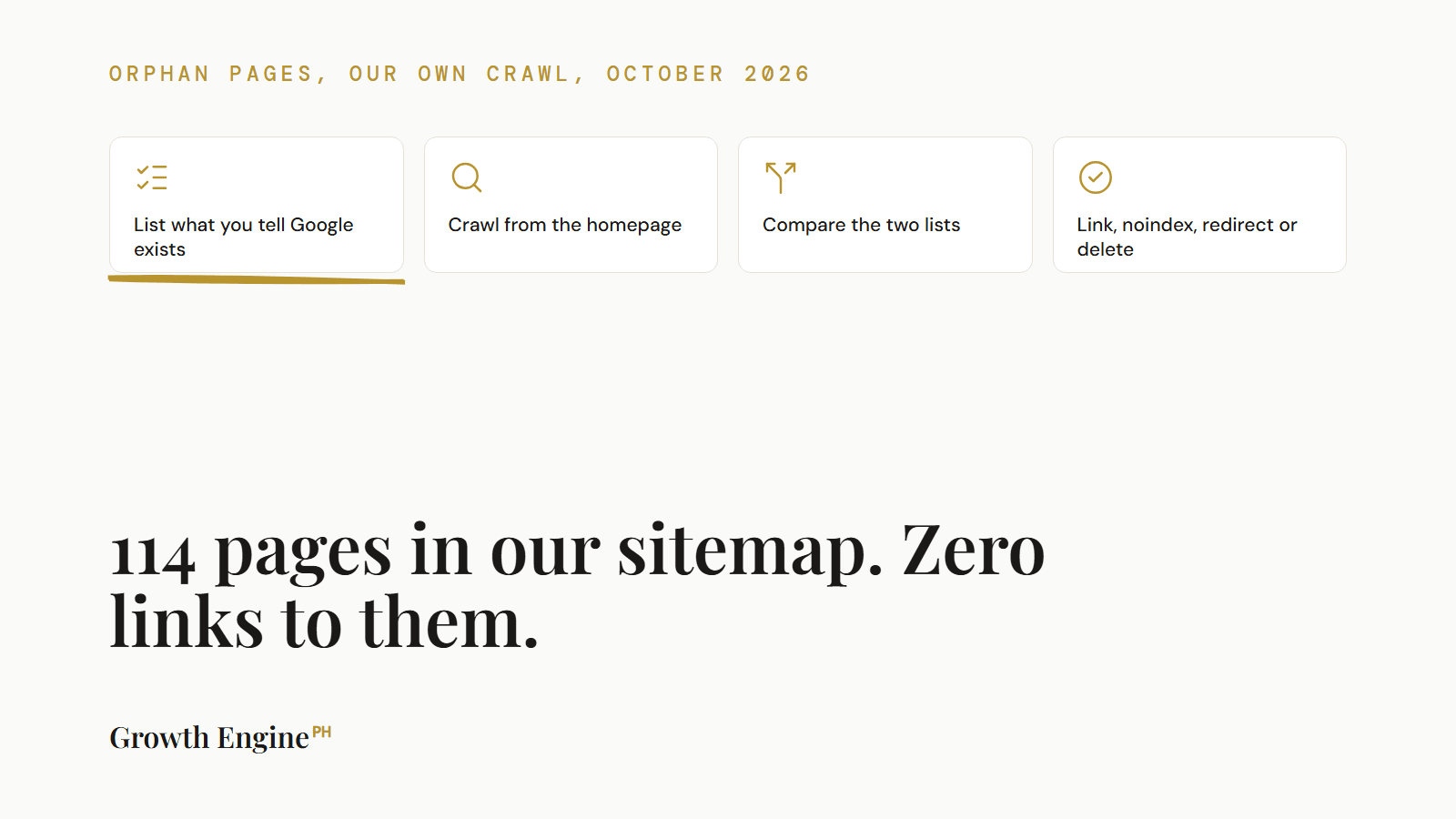
To find orphan pages, list every URL you know exists, crawl the site from the homepage, and compare. Any URL on the first list that the crawl did not reach is an orphan.
- List what you tell search engines exists. Download every URL in your XML sitemap. Most sites have a sitemap index at
/sitemap_index.xmlor/sitemap.xmlthat points to several smaller sitemaps. Check each one. - Add what search engines and visitors have seen. Export the pages listed in Google Search Console and the landing pages in your analytics. These catch orphans that are not in the sitemap, such as old campaign pages.
- Crawl the site from the homepage. Use any site crawler, set to follow internal links only. The result is every page a visitor or search engine can reach by clicking.
- Compare the two. Every URL from steps 1 and 2 that is not in step 3 is an orphan. Sort the list by type: tag pages, old campaigns, test pages, real content.
- Check the near-orphans too. Look at the number of internal links pointing to each page in the crawl. A page with one or two internal links is barely connected.
Step 5 caught a second problem on our site. One of our service pages had 2 internal links. Our services page had 55. A page you want to rank should not be one of the least linked pages on the site.
Why do orphan pages hurt SEO?
Orphan pages hurt SEO because they send search engines mixed signals about which pages matter, and because they are usually thin pages that dilute what the site appears to be about.
On a large site, the usual argument is crawl budget: search engines spend time on pages that do not deserve it. On a small site like ours that argument is weak, and we do not lean on it. The stronger reason is quality. Our 114 tag pages were near-duplicates of each other, each one a list of posts already listed elsewhere. Submitting them for indexing asked Google to judge our site partly on 114 thin listing pages, against 58 pages of real content.
There is also the opposite problem. A real page that is orphaned, or nearly orphaned, gets less of the internal link signal that tells search engines it is important. If it is a page you want to rank, that is lost ground for no reason.
How do you fix orphan pages?
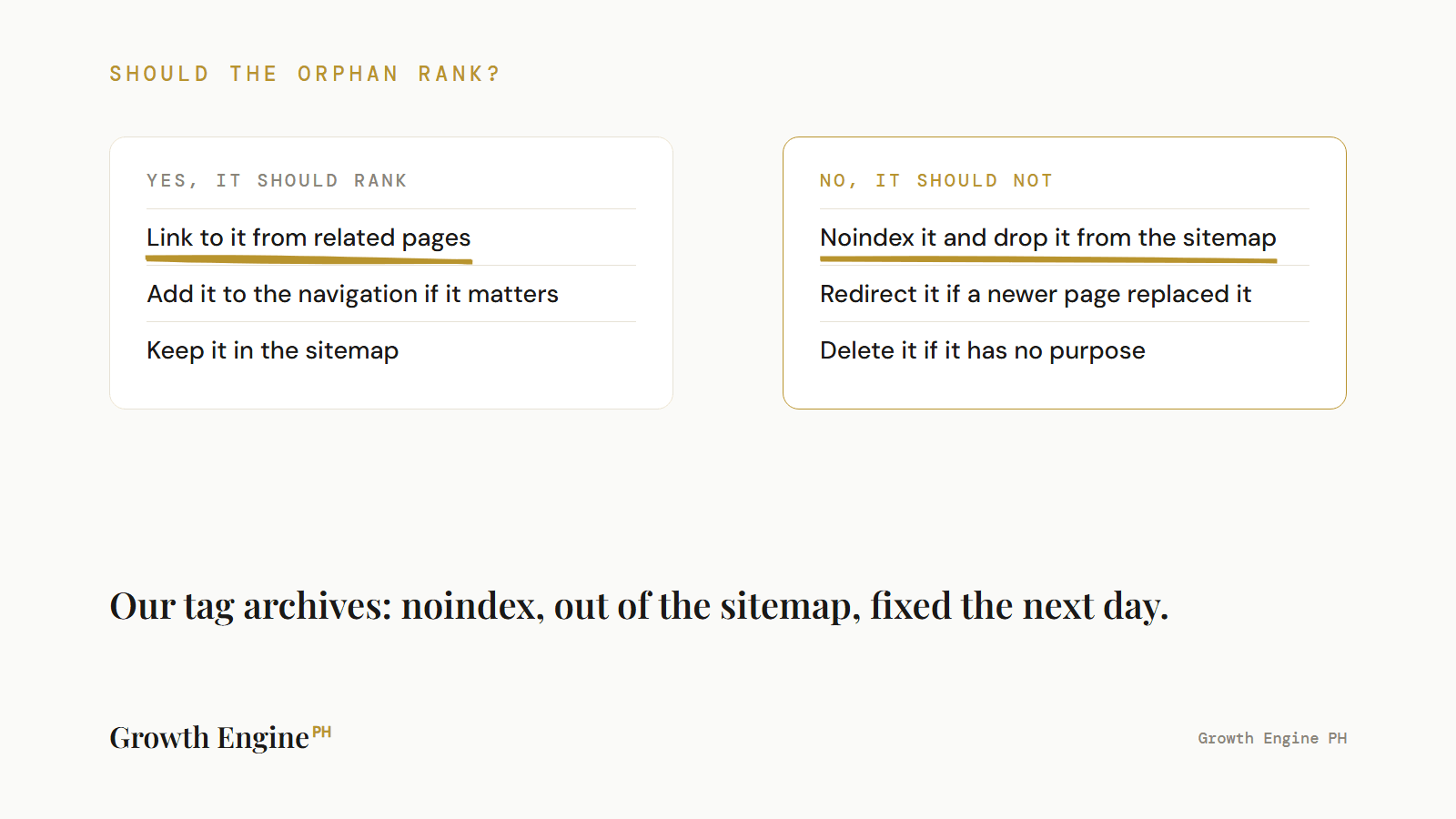
There are four fixes for an orphan page: link to it, keep it out of the index, redirect it, or delete it. Which one depends on whether the page should exist and whether it should rank.
| The orphan is | Fix | What it does |
|---|---|---|
| A real page you want to rank | Link to it from related pages and, if it matters enough, the navigation | Connects it, and tells search engines it matters |
| A page that should exist but should not rank (tag archives, thank-you pages) | Set it to noindex and remove it from the sitemap | Keeps it working for visitors, stops it being submitted for indexing |
| An old page that has a newer equivalent | Redirect it (301) to the equivalent | Passes visitors and any outside links to the page that replaced it |
| A page with no purpose and no outside links | Delete it and let it return 404 or 410 | Removes it entirely |
For our tag archives, the answer was the second row. The tag pages still work if someone lands on one. On 12 October, the day after the crawl, we set every tag page to noindex and removed the tag sitemap. Our sitemap index now lists three files: posts, pages and categories. The live tag pages carry noindex, follow, which tells search engines not to index the page but to keep following its links to the posts.
WordPress tags and SEO: should tag pages be indexed?
On most small WordPress sites, tag pages should not be indexed. They are generated automatically, usually thin, and repeat the same posts in different groupings.
The exception is a tag that works like a real topic page: a short introduction, a clear subject and enough posts to be useful on its own. That is closer to a category page, and it should be treated as one, with real copy and links pointing to it.
If you use tags only to organise posts behind the scenes, check three settings: whether tag pages are set to be indexed, whether your SEO plugin adds them to the sitemap, and whether your design links to them anywhere. If the answers are yes, yes and no, you have the same 114-page problem we had, at whatever size your tag list is.
When is an orphan page fine?
An orphan page is fine when it is meant to be reached only from outside your site, and it is kept out of the index and the sitemap.
Ad landing pages, thank-you pages after a form, and pages built for one email campaign are often deliberately unlinked. That is reasonable. The problem is not that a page has no internal links. The problem is a page with no internal links that you are still asking search engines to index. Ours were the second kind. Keep the first kind, and make sure the sitemap does not list them.
Frequently Asked Questions
What is an orphan page? A page on your site that no other page on your site links to. Visitors and search engines following your links cannot reach it, though it can still be found through your sitemap or outside links.
How do I find orphan pages on my site? List every URL in your sitemap, Search Console and analytics, crawl the site from the homepage, and compare. Any URL the crawl did not reach is an orphan.
Are orphan pages bad for SEO? They send mixed signals: you submit the page for indexing while your own site treats it as unimportant. Thin orphans dilute the site, and real orphans miss the internal links that help them rank.
Should I noindex WordPress tag pages? On most small sites, yes, and remove them from the sitemap. Keep a tag indexable only if it works like a real topic page with its own introduction and links pointing to it.
Should I delete orphan pages? Only if the page has no purpose and no outside links. Otherwise link to it, set it to noindex, or redirect it to the page that replaced it.
Check What Your Sitemap Is Telling Google
Orphan pages are one of the checks in a technical audit, and one of the easiest to fix once you can see them. For the full set of checks, see our technical SEO audit guide, and for how to judge an audit you are offered, how to tell a real audit report from a tool export. If you want us to find and fix them on your site, that is part of our technical SEO service, or start with a free SEO and AI visibility audit.